
IT support for chiropractors and osteopaths
Short appointments, a steady stream of returning patients and a front desk that never stops. We keep the booking, notes and payment systems behind your clinic quick and dependable.
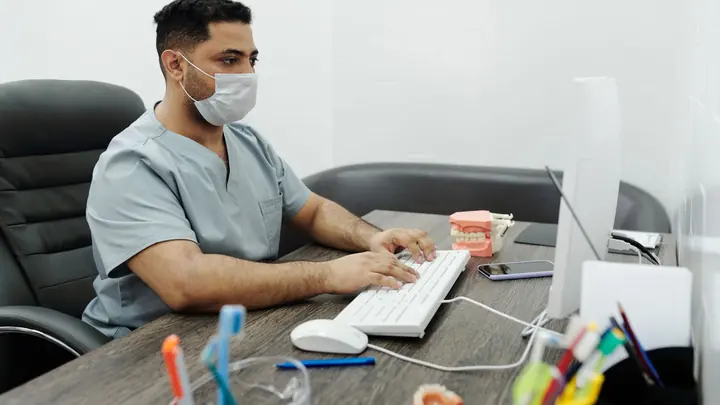
IT for chiropractors & osteopaths
Chiropractic and osteopathy clinics often see a high volume of patients in relatively short appointments, many of them returning regularly on treatment plans. That rhythm depends on a booking system that is always open at reception, a practice system that lets practitioners write notes quickly between patients, and a payment process that takes seconds. Osteopaths and chiropractors who treat injury patients also lodge ACC claims and invoices, so the paperwork side of the clinic needs to be just as reliable as the treatment rooms.
Patient notes, injury details and treatment histories are health information under the Health Information Privacy Code 2020. In smaller clinics they are frequently accessed from a single shared reception PC and a couple of practitioners' own laptops, sometimes with one login for everyone. Online booking, automated reminders and card payments add convenience, but each connects the clinic to another service that needs secure sign-in and careful handling of patient details.
Office IT supports chiropractic and osteopathy clinics with three to seventy-five staff. We make reception PCs and treatment room devices quick and dependable, give each practitioner a secure individual account, keep card terminals on their own network and make sure the practice system, documents and email are backed up. If you run more than one clinic, we set each site up the same way, so practitioners who move between them have nothing new to learn.
Common IT problems in this industry
Fast patient turnover
Appointments are short, so even a minute lost to a slow PC or frozen booking screen is felt across the whole day's schedule.
One shared reception PC
Reception, practitioners and the practice owner often share one front desk computer and one login, with no record of who did what.
ACC paperwork
Lodging claims and invoices for injury treatment is routine admin that falls behind quickly if systems are unreliable.
Practitioners' own laptops
Notes written on personal laptops can leave patient information on devices the clinic has no control over.
Card payments at checkout
Payment terminals at a busy front desk need to be dependable and kept apart from the rest of the clinic's network.
Waiting room Wi-Fi
Patients appreciate Wi-Fi while they wait, but a single shared network puts clinic systems within reach of every visitor.
What we set up for you
Quick, individual sign-in
Each person has their own account for the practice system and email, with fast user switching on the reception PC so checkout is not slowed down.
Reliable front desk
A properly specified reception PC, receipt and label printing, and a card terminal that connects every time.
Managed practitioner devices
Laptops and tablets for notes are clinic-managed, encrypted and set to lock automatically, replacing personal devices where possible.
Separate patient Wi-Fi
Guest Wi-Fi is isolated from clinic systems and payments, so visitors get internet access and nothing else.
Protected online booking
Booking, reminder and practice accounts use multi-factor sign-in, and staff know how to spot fake booking or payment emails.
Checked backups
Clinic documents, email and any locally stored data are backed up and checked, with test restores so a deleted file can be recovered.
Systems we support
We work with the software and equipment your business already relies on, and with your software vendors when something needs their help.
- Cloud practice management systems such as Cliniko
- Online booking with SMS and email reminders
- ACC claim lodging and invoicing
- Treatment plan and recall tools
- EFTPOS and card terminals at checkout
- Microsoft 365 for email and clinic documents
Start with a free IT health check
A technician reviews your computers, accounts, backups, security and network, then gives you a short written report with the risks ranked and a price to fix them. No charge, no obligation.
Book the health checkServices that fit

IT support
Remote and onsite help when you need it, billed by the hour. No plan, no contract.
IT support
Managed IT
One monthly price per person for support, security, updates and backups. Your outsourced IT team.
Managed IT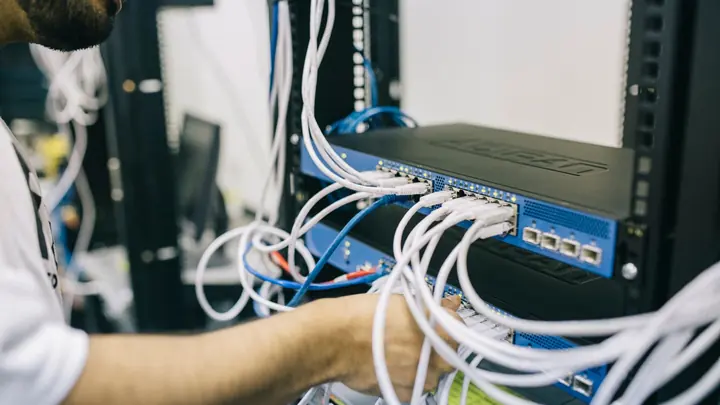
Networks & Wi-Fi
Firewalls, switches, Wi-Fi and structured cabling that are designed, labelled and documented.
Networks & Wi-FiIT for chiropractors & osteopaths: questions
Can you speed up our reception PC?
Often, yes. We check the hardware, startup items, disk health and network connection, then tidy or replace what is slowing it down. If the PC is near the end of its life, we quote a replacement in writing first and set it up so reception is not disrupted.
Our practitioners write notes on their own laptops. Should we change that?
We recommend clinic-managed devices for clinical notes, because they can be encrypted, updated and wiped if lost. If personal devices must be used, we can limit access to the practice system through a browser with multi-factor sign-in, so notes are not stored locally.
Can you help with ACC claim problems?
We make sure the devices, sign-ins and connections your practice system uses for ACC are working. If the fault is inside the software or ACC's systems, we gather the details and help you take it to the right support team.
How should card payments be set up?
Card terminals should be on their own network segment with internet access only, away from guest Wi-Fi and practice PCs. That keeps card data contained and makes your payment provider's security questions straightforward to answer.
Does the Health Information Privacy Code cover our clinic?
Yes. Chiropractors and osteopaths collect health information, so the Code applies. We put in the technical safeguards it expects, and your clinic remains responsible for policies on collecting, using and sharing patient information.
Do you support clinics outside Auckland and Hamilton?
Yes. Most support is remote, so clinics anywhere in New Zealand can use our plans. Onsite visits are available in Auckland and Hamilton, and planned project work elsewhere can be arranged.
Other industries we work with
- Accountants & bookkeepers
- Law firms
- Medical & dental clinics
- Construction & trades
- Manufacturing
- Logistics & warehousing
- Retail & hospitality
- Property management
- Professional services
- Engineering & architecture
- Creative agencies
- Education & not-for-profit
- Insurance brokers
- Mortgage advisers
- Financial advisers
- Real estate agencies
- Body corporate managers
- Property developers
- Quantity surveyors
- Surveyors & planners
- Recruitment agencies
- HR consultancies
- Marketing & PR agencies
- Event companies
- Physiotherapy clinics
- Optometrists
- Pharmacies
- Veterinary clinics
- Specialist & private clinics
- Aged care & retirement villages
- Home & community care providers
- Counselling & psychology practices
- Beauty & skin clinics
- Gyms & fitness studios
- Early childhood centres
- Wholesale & distribution
- Importers & exporters
- Transport & freight companies
- Engineering workshops & fabricators
- Food & beverage manufacturers
- Horticulture & packhouses
- Wineries & vineyards
- Farms & agribusiness
- Aquaculture & seafood
- Electrical & plumbing contractors
- Civil construction & infrastructure
- Facilities management companies
- Schools
- Iwi & Māori organisations
- Councils & public sector agencies
- Churches & faith organisations
- Sports clubs & associations
- Hotels & motels
- Restaurants & cafes
- Car dealerships
- Automotive workshops
- Travel agencies
- Barristers & chambers
- Membership & industry associations