
IT support for restaurants and cafes
When the POS drops at the start of lunch, every minute is lost sales and a growing queue. We keep the tills, kitchen printers, online orders and internet steady, so service runs as it should.
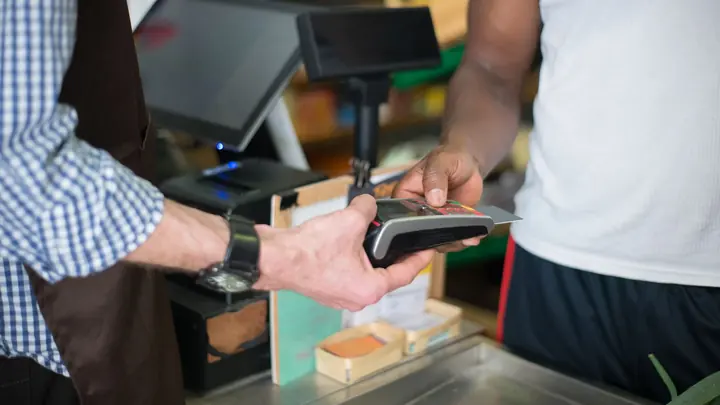
IT for restaurants & cafes
A busy cafe or restaurant depends on more technology than most owners realise. The point of sale talks to eftpos terminals, kitchen and bar printers, online ordering and delivery tablets, and the accounting and rostering apps that run the back office. Most of it shares one internet connection and one consumer router, often installed in a hurry when the business opened, and nobody remembers the passwords. When something stops, it usually stops at the busiest moment of the day.
Owners and managers also juggle security they never signed up for. Card payments carry obligations, staff turn over quickly, rosters and wages sit in cloud apps, and customer Wi-Fi shares the same network as the till. CCTV recorders are often left with default passwords. Fixing any of this needs someone who understands both the technology and the reality that nothing can be switched off during service, and that the budget for it competes with produce, wages and rent.
Office IT supports independent restaurants, cafes, bars and small hospitality groups with practical IT. We set up dependable networks with backup internet, separate customer Wi-Fi from payments, keep POS terminals and printers connected, and protect owner and manager accounts. Venues in Auckland and Hamilton get onsite visits, and venues elsewhere in New Zealand are supported remotely, with planned work outside service hours. We keep the setup documented so the next manager knows how it fits together.
Common IT problems in this industry
POS and eftpos outages
Most cloud POS systems and many eftpos terminals need the internet. One dropped connection at lunch can stop the whole front of house.
Kitchen printer problems
Dockets that stop printing or go to the wrong station cause missed orders. Network printers in hot, greasy kitchens fail more often than office ones.
Customer Wi-Fi on the till network
When customers share the payment network, they can see devices they should never reach, and heavy use can slow the POS.
High staff turnover
Staff come and go fast. Shared POS PINs and manager logins rarely change, and former staff often keep access to rosters or email.
Delivery tablets everywhere
Each delivery platform brings another tablet and another account, cluttering the counter and adding more devices to keep charged and updated.
CCTV left open
Camera recorders with default passwords or open remote access can be viewed by strangers and offer a way into the network.
What we set up for you
Backup internet for service
A second connection takes over automatically if fibre fails, so the POS and eftpos keep working through lunch and dinner.
Separate networks
Payments, POS, kitchen printers, staff devices, CCTV and customer Wi-Fi run on their own networks with sensible priority for the till.
Reliable docket printing
Kitchen and bar printers get fixed addresses, wired connections where possible and a spare plan for the busiest stations.
Staff access that follows the roster
When staff leave, we help you remove POS PINs, rostering access and email before their next shift would start, and change shared manager codes.
Tidy counter setup
Where your POS supports it, we help bring delivery orders into the POS and reduce the number of tablets on the counter.
Locked-down cameras
CCTV recorders get strong passwords, updated software and secure remote viewing for owners, without open ports to the internet.
Systems we support
We work with the software and equipment your business already relies on, and with your software vendors when something needs their help.
- Cloud POS systems and eftpos terminals
- Online ordering and delivery platforms
- Kitchen display screens and docket printers
- Rostering and timesheet apps
- Xero for accounts and payroll
- Table booking systems
Start with a free IT health check
A technician reviews your computers, accounts, backups, security and network, then gives you a short written report with the risks ranked and a price to fix them. No charge, no obligation.
Book the health checkServices that fit
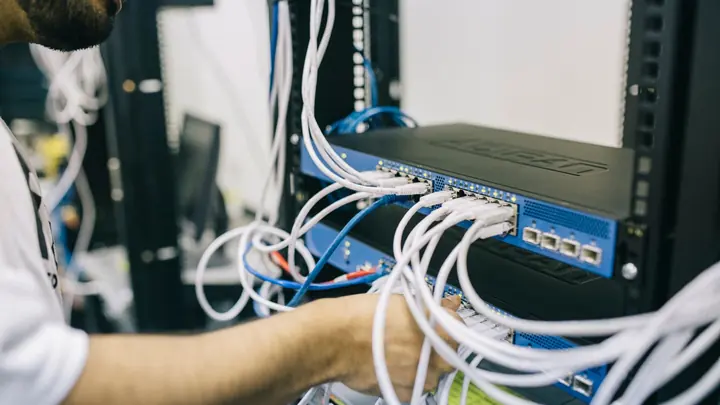
Networks & Wi-Fi
Firewalls, switches, Wi-Fi and structured cabling that are designed, labelled and documented.
Networks & Wi-Fi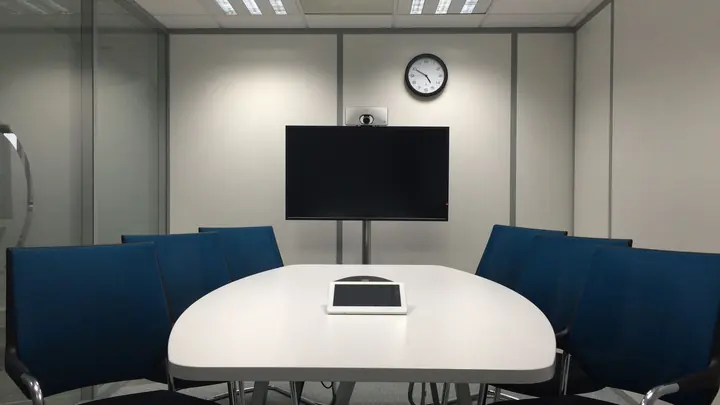
Internet & phones
Business fibre, backup connections and cloud phone systems, set up and supported by the same team.
Internet & phones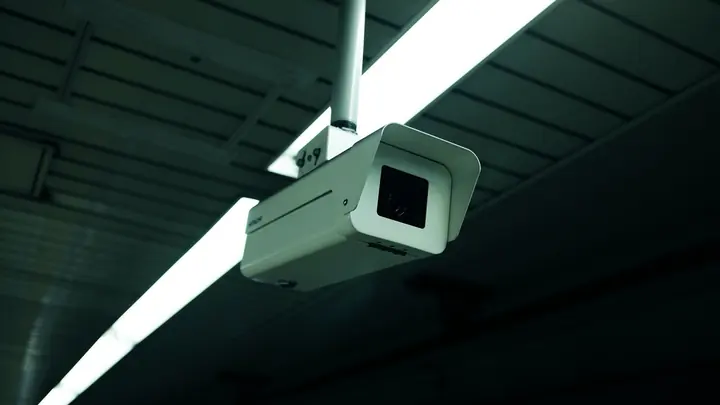
CCTV & access control
Office CCTV and door access control on your network, set up securely and managed alongside the rest of your IT.
CCTV & access controlIT for restaurants & cafes: questions
Can you support our POS system?
We look after the network, internet, printers and devices your POS depends on, and work with the POS vendor when the fault is in their software. Most POS problems we see are network or printer issues rather than the POS itself.
What happens if our internet goes down during service?
With a backup mobile connection, the POS and eftpos switch over automatically within moments. Without one, you are relying on offline modes that not every POS or terminal supports well.
Should customer Wi-Fi be separate from our tills?
Yes. Customer Wi-Fi should always be isolated from payments and the POS. We set up a separate network with its own password or sign-in page and limit how much bandwidth it can take.
Can work be done outside opening hours?
Yes. Network changes and installations are scheduled before opening or after close where possible, and quoted in writing first so you know the cost and timing.
Do you support venues outside Auckland and Hamilton?
Yes, remotely for network devices, computers and accounts. Installations such as new cabling or access points outside those cities are arranged as planned onsite projects.
What does IT support cost for a cafe?
Many single venues use pay as you go at $109 per hour remote or $159 onsite plus GST. Groups with an office and managers usually put those users on the Essentials plan at $69 per user per month.
Other industries we work with
- Accountants & bookkeepers
- Law firms
- Medical & dental clinics
- Construction & trades
- Manufacturing
- Logistics & warehousing
- Retail & hospitality
- Property management
- Professional services
- Engineering & architecture
- Creative agencies
- Education & not-for-profit
- Insurance brokers
- Mortgage advisers
- Financial advisers
- Real estate agencies
- Body corporate managers
- Property developers
- Quantity surveyors
- Surveyors & planners
- Recruitment agencies
- HR consultancies
- Marketing & PR agencies
- Event companies
- Physiotherapy clinics
- Optometrists
- Pharmacies
- Veterinary clinics
- Specialist & private clinics
- Aged care & retirement villages
- Home & community care providers
- Counselling & psychology practices
- Chiropractors & osteopaths
- Beauty & skin clinics
- Gyms & fitness studios
- Early childhood centres
- Wholesale & distribution
- Importers & exporters
- Transport & freight companies
- Engineering workshops & fabricators
- Food & beverage manufacturers
- Horticulture & packhouses
- Wineries & vineyards
- Farms & agribusiness
- Aquaculture & seafood
- Electrical & plumbing contractors
- Civil construction & infrastructure
- Facilities management companies
- Schools
- Iwi & Māori organisations
- Councils & public sector agencies
- Churches & faith organisations
- Sports clubs & associations
- Hotels & motels
- Car dealerships
- Automotive workshops
- Travel agencies
- Barristers & chambers
- Membership & industry associations